
The camera shows a poor picture: six common causes
A blurry, dark or breaking picture is most often not a camera fault. This is what to check, in order.
Site survey and cost estimate are free of charge
Causes
What to check
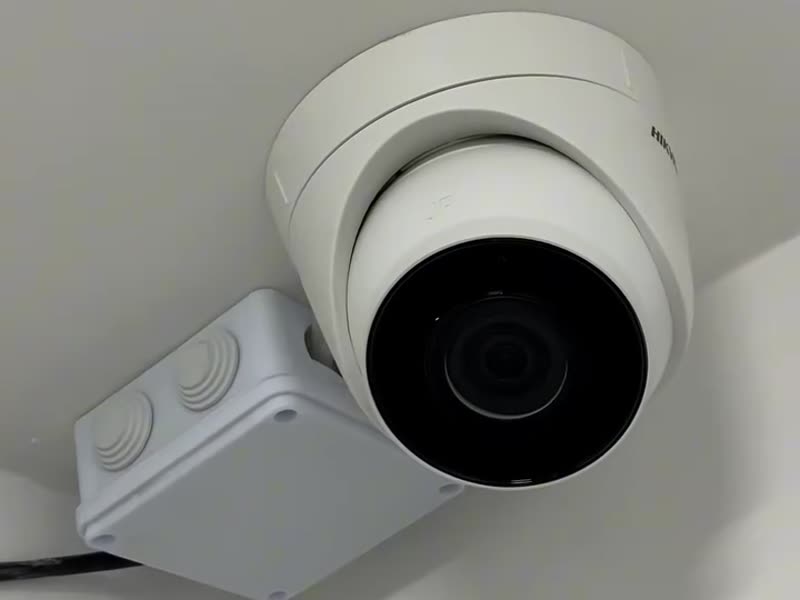
- Dirty glassDust, cobwebs and drops on the camera glass. By day it is just haze; at night the illumination reflects off the dirt and gives a white patch.
- BacklightThe camera faces a window, a door or a lamp, and everything else falls into shadow. A different position or wide dynamic range (WDR) mode helps.
- Night illuminationInfrared light reflects off a nearby wall, an eave or glass, and the picture is washed out.
- Cable and connectorsStripes, ripple, a picture that drops out — signs of a poor contact, a damaged cable or a run that is too long.
- PowerThe camera works by day and goes out at night — the power supply may be too weak once the illumination switches on.
- SettingsA phone shows a lighter stream by default. Switch on high quality in the app and compare.
Questions
Frequently asked questions
What can I do myself?
Wipe the camera glass with a soft cloth and check the viewing quality in the app.
The picture was good and got worse. Why?
Most often it is dirt on the glass, a knocked angle or an oxidised connector outdoors.
Do you service systems already installed?
Yes. Repair, adjustment and expansion of systems already installed, with visits on request.
See also